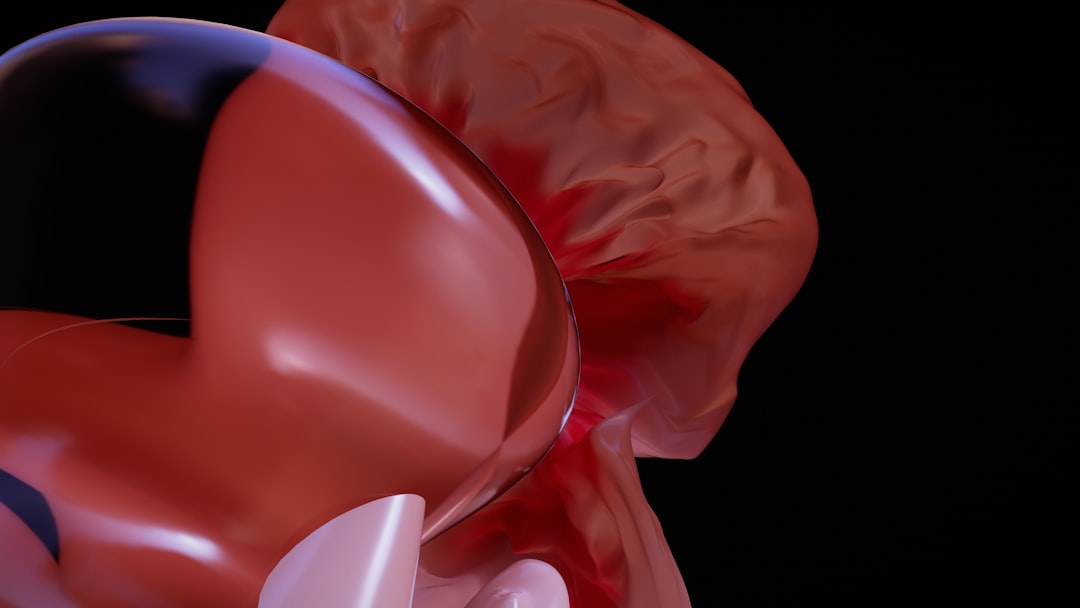
What is Dental Explorer VR?
Dental Explorer VR is a cutting-edge educational tool designed to revolutionize the way dental professionals and students learn and explore the human mouth. This innovative program utilizes virtual reality technology to create an immersive and interactive environment, allowing users to examine and analyze dental structures in unprecedented detail. With Dental Explorer VR, users can explore the mouth in 3D, identify various dental features, and even practice dental procedures in a safe and controlled virtual space.
Main Features of Dental Explorer VR
Dental Explorer VR offers a range of features that make it an invaluable resource for dental education and training. Some of the main features of the program include:
- Realistic 3D models: Dental Explorer VR features highly detailed and accurate 3D models of the human mouth, allowing users to explore and examine dental structures with precision.
- Interactive tools: The program includes a range of interactive tools, such as virtual drills and probes, which allow users to practice dental procedures and techniques in a virtual environment.
- Customizable scenarios: Dental Explorer VR allows users to create custom scenarios and simulations, enabling them to practice and train in a variety of different situations.
Installation Guide
Installing Dental Explorer VR is a straightforward process that can be completed in just a few steps. Here’s a step-by-step guide to get you started:
System Requirements
Before installing Dental Explorer VR, make sure your computer meets the following system requirements:
- Operating System: Windows 10 or macOS High Sierra (or later)
- Processor: Intel Core i5 or AMD equivalent
- Memory: 8 GB RAM (16 GB recommended)
- <strong card: NVIDIA GeForce GTX 1060 or AMD equivalent
Downloading and Installing Dental Explorer VR
Once you’ve confirmed your computer meets the system requirements, follow these steps to download and install Dental Explorer VR:
- Open a web browser and navigate to the Softprodents website.
- Click on the