What is Dental Information System (DIS)?
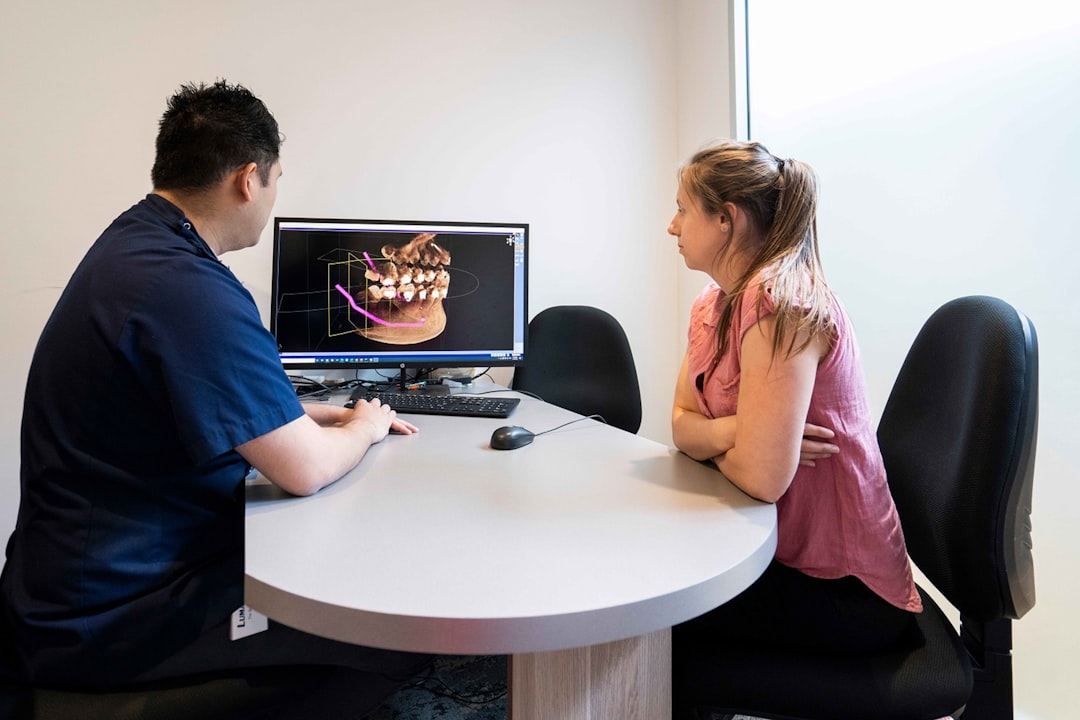
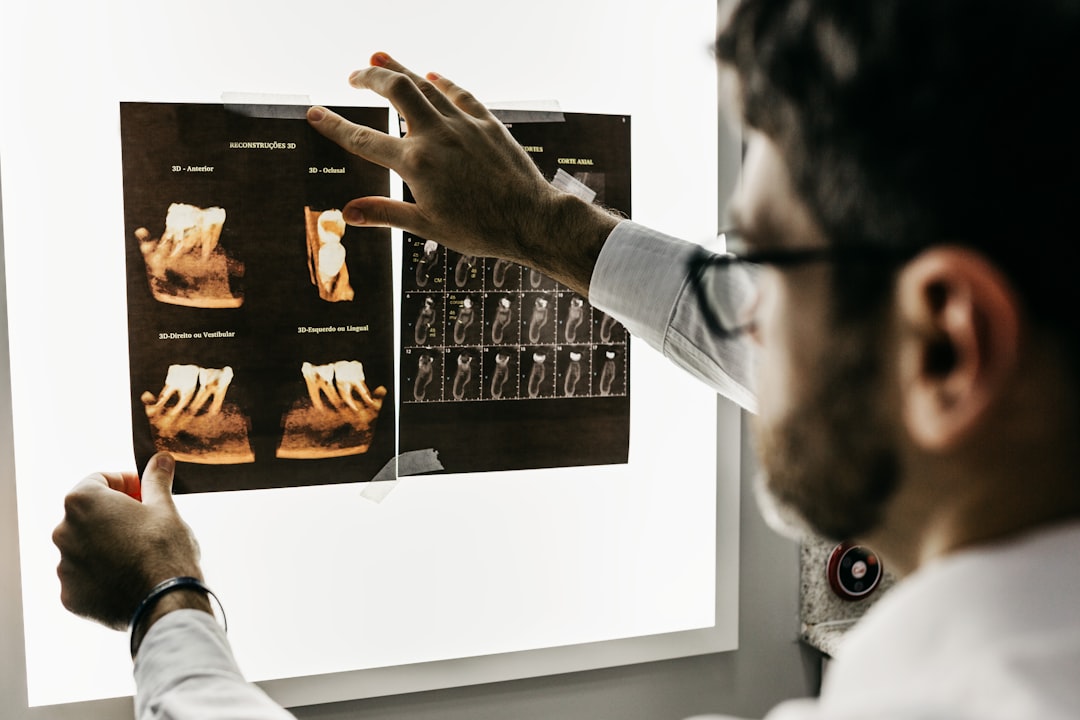
The Dental Information System (DIS) is a comprehensive dental practice management solution designed to streamline and simplify the workflow of dental clinics and practices. It provides a centralized platform for managing patient records, appointments, billing, and other essential functions. With DIS, dental professionals can easily access and manage critical information, improving the overall efficiency and effectiveness of their practice.
Main Features of Dental Information System (DIS)
DIS offers a wide range of features that cater to the specific needs of dental practices. Some of the key features include:
- Patient Management: DIS allows users to create and manage patient records, including demographic information, medical history, and treatment plans.
- Appointment Scheduling: The system enables users to schedule appointments, send reminders, and manage their calendars.
- Billing and Insurance: DIS provides tools for managing billing, insurance claims, and payments, making it easier to track and manage revenue.
- Reporting and Analytics: The system offers advanced reporting and analytics capabilities, enabling users to gain insights into their practice’s performance and make informed decisions.
Installation Guide
System Requirements
Before installing DIS, ensure that your system meets the following requirements:
- Operating System: Windows 10 or later, macOS High Sierra or later
- Processor: Intel Core i3 or AMD equivalent
- Memory: 4 GB RAM or more
- Storage: 10 GB free disk space or more
Installation Steps
Follow these steps to install DIS:
- Download the DIS installation package from the official website.
- Run the installation file and follow the prompts to begin the installation process.
- Accept the terms and conditions and choose the installation location.
- Wait for the installation to complete.
- Launch DIS and follow the setup wizard to configure the system.
Technical Specifications
Database Management
DIS uses a robust database management system to store and manage critical data. The system supports:
- MySQL: A popular open-source database management system.
- PostgreSQL: A powerful, open-source object-relational database system.
Security Features
DIS prioritizes data security and provides the following features to ensure the integrity and confidentiality of sensitive information:
- Encryption: DIS uses advanced encryption algorithms to protect data both in transit and at rest.
- Access Control: The system enables administrators to set user permissions and access levels, ensuring that sensitive information is only accessible to authorized personnel.
- Audit Trails: DIS maintains detailed audit trails, enabling administrators to track all system activity and detect any potential security breaches.
Pros and Cons
Advantages of Using DIS
DIS offers several benefits, including:
- Improved Efficiency: DIS streamlines dental practice management, reducing administrative burdens and freeing up staff to focus on patient care.
- Enhanced Patient Care: The system provides real-time access to patient records, enabling dental professionals to make informed decisions and deliver better care.
- Increased Revenue: DIS helps practices manage billing and insurance claims more effectively, reducing the risk of lost revenue and improving financial performance.
Limitations of DIS
While DIS is a powerful tool, it is not without its limitations:
- Cost: DIS can be a significant investment for small or solo practices.
- Complexity: The system requires some technical expertise to install and configure, which can be a barrier for non-technical users.
- Compatibility Issues: DIS may not be compatible with all hardware or software configurations, which can lead to technical issues.
Frequently Asked Questions
How to Export Data from DIS
To export data from DIS, follow these steps:
- Log in to the DIS system as an administrator.
- Navigate to the ‘Reports’ module.
- Choose the report type and select the data range.
- Click the ‘Export’ button to download the data in CSV or Excel format.
Troubleshooting Sync and Import Issues with Recovery
If you encounter sync or import issues with DIS, try the following troubleshooting steps:
- Check the system logs for errors or warnings.
- Verify that the data is correctly formatted and compatible with DIS.
- Restart the DIS service and try the sync or import process again.
- If issues persist, contact DIS support for assistance.
Download Dental Information System (DIS) Free
DIS offers a free trial version that allows users to test the system’s features and functionality. To download the free trial, visit the official DIS website and follow the prompts.
Dental Information System (DIS) vs OpenEMR
DIS and OpenEMR are both popular dental practice management systems. While both systems offer similar features, DIS is generally considered more user-friendly and easier to install. However, OpenEMR is a more affordable option and offers a wider range of customization options. Ultimately, the choice between DIS and OpenEMR will depend on your specific needs and preferences.