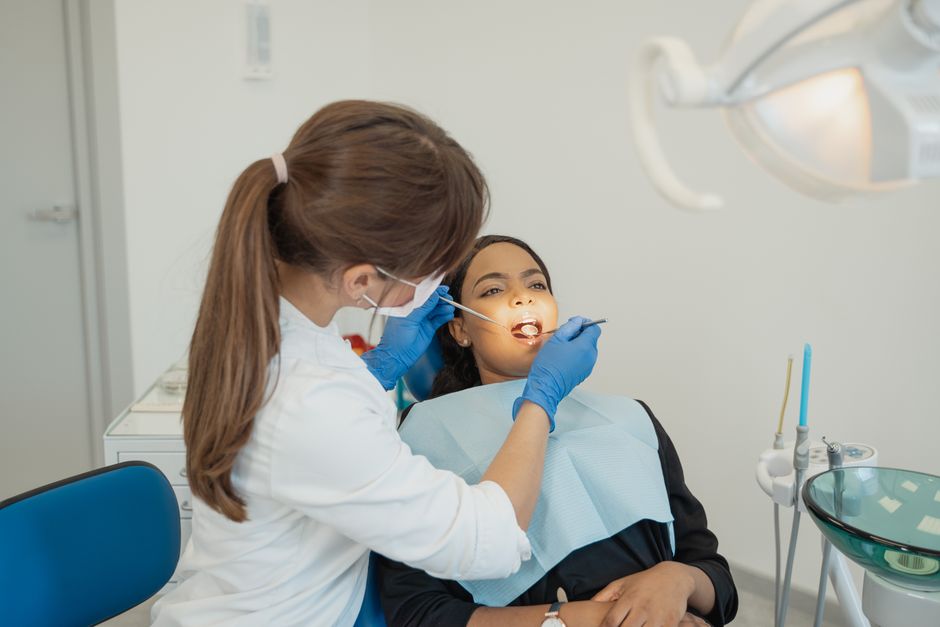
What is Dental Platform News 2026-08-20?
Dental Platform News 2026-08-20 is the latest update to the dental platform software, designed to provide dental teams with the tools and insights they need to streamline their workflow and improve patient care. This update includes a range of new features and improvements, which we will explore in more detail below.
Key Features of Dental Platform News 2026-08-20
Enhanced Patient Management
The latest update to the dental platform software includes a range of enhancements to patient management, including improved patient scheduling and appointment reminders. These features are designed to help dental teams manage their patient load more efficiently and reduce no-shows.
Streamlined Clinical Workflow
The update also includes a number of improvements to the clinical workflow, including enhanced charting and documentation tools. These features are designed to help dental teams work more efficiently and effectively, while also improving patient care.
New Reporting and Analytics Tools
The latest update to the dental platform software includes a range of new reporting and analytics tools, designed to help dental teams track key performance indicators (KPIs) and make data-driven decisions. These tools include customizable dashboards and reports, as well as advanced analytics capabilities.
Installation Guide
Step 1: Download the Update
To install the latest update to the dental platform software, simply download the update package from the softprodents.com website.
Step 2: Run the Installer
Once the update package has been downloaded, run the installer and follow the prompts to complete the installation process.
Step 3: Configure the Software
After the installation is complete, configure the software to meet the needs of your dental team. This includes setting up user accounts, configuring patient management settings, and customizing reporting and analytics tools.
Technical Specifications
System Requirements
The dental platform software is designed to run on a range of operating systems, including Windows and macOS. The software requires a minimum of 4GB of RAM and 2GB of free disk space.
Browser Compatibility
The dental platform software is compatible with a range of web browsers, including Google Chrome, Mozilla Firefox, and Safari.
Pros and Cons
Pros
The latest update to the dental platform software includes a range of benefits, including enhanced patient management, streamlined clinical workflow, and new reporting and analytics tools.
Cons
Some users may experience a slight learning curve when using the new features and tools included in the update.
FAQ
What is the dental platform news 2026?
The dental platform news 2026 is the latest update to the dental platform software, designed to provide dental teams with the tools and insights they need to streamline their workflow and improve patient care.
How do I install the update?
To install the update, simply download the update package from the softprodents.com website, run the installer, and follow the prompts to complete the installation process.
What are the system requirements for the software?
The dental platform software requires a minimum of 4GB of RAM and 2GB of free disk space, and is compatible with a range of operating systems, including Windows and macOS.
Is the software compatible with my web browser?
The dental platform software is compatible with a range of web browsers, including Google Chrome, Mozilla Firefox, and Safari.
By following the instructions outlined in this article, dental teams can take advantage of the latest features and tools included in the dental platform news 2026 update, and improve their workflow and patient care.